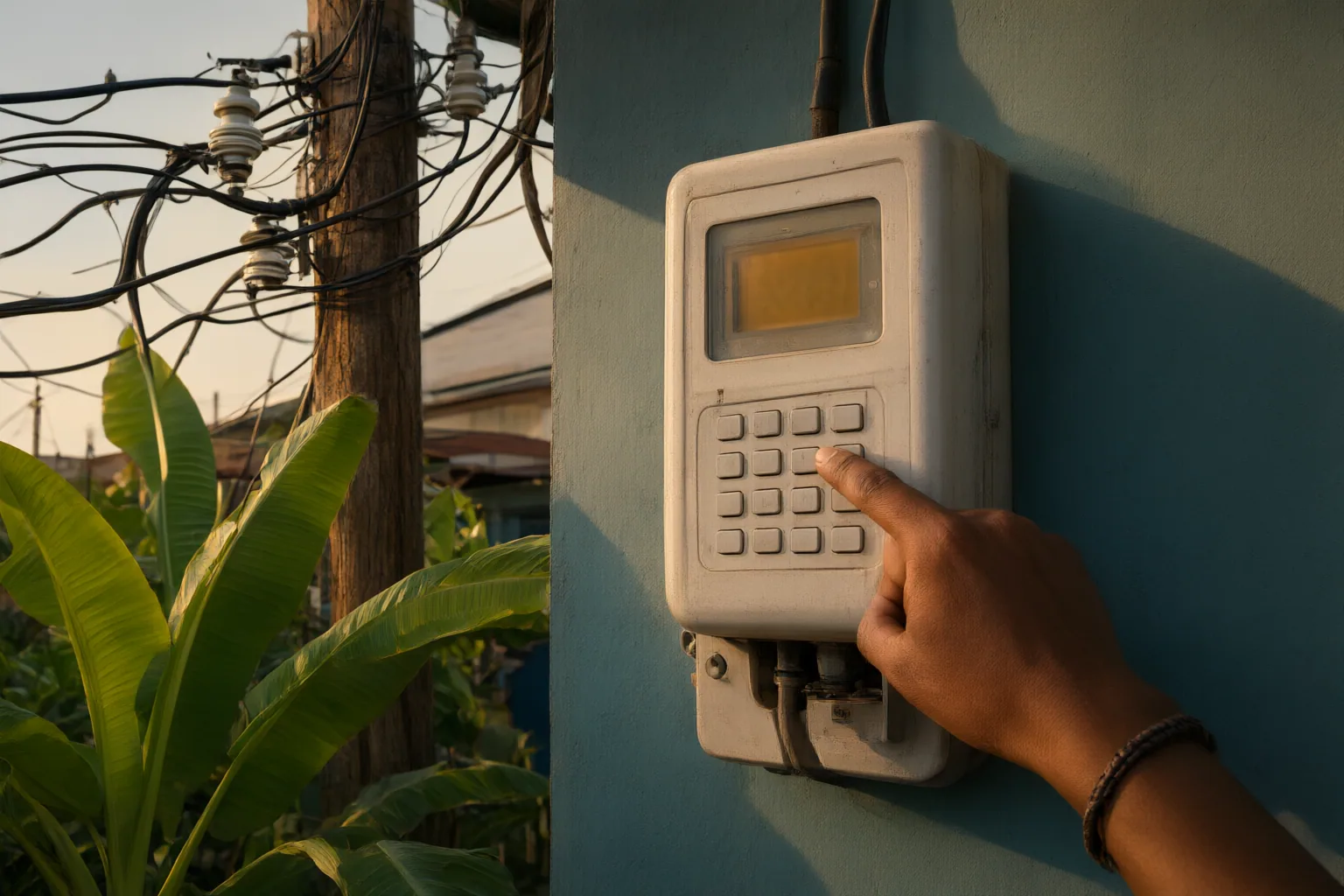
Start by checking the 20-digit token and matching the receipt’s meter number to the number on the meter or display. If those details are correct, investigate whether Key Change Tokens must be entered first, then consider activation, keypad communication and account-related issues. The available sources do not establish that an account update itself causes every rejection, so unresolved cases should be referred to your distribution company.
Start With the Token and Meter Number
A rejected token does not necessarily mean the purchased electricity is lost. Begin with the two details that can be checked directly.
Re-enter the complete 20-digit token carefully. A single incorrect digit can cause rejection, and transcription mistakes may be difficult to notice on a hard-to-read keypad. Compare each group of digits with the receipt before submitting it again.
Next, compare the meter number printed on the token receipt with the number on the physical meter or its display. A token purchased for a different meter will not load on the intended meter. If the numbers differ, keep the receipt and contact the relevant distribution company rather than continuing to enter the same token.
These checks help separate a simple entry error or meter-number mismatch from problems that require an update, activation or technical investigation.
Check Whether Key Change Tokens Must Be Entered First
If the digits and meter number are correct, check whether the meter is waiting for a Key Change Token update. Both sources identify a pending KCT update as one possible reason a prepaid meter may refuse an electricity credit token.
Where KCT update tokens are required, they must be entered before the purchased credit token. Entering the credit token first may therefore result in rejection even when its digits and meter number are correct. Confirm that you have received the required update tokens and follow their stated sequence before trying the electricity token again.
Do not assume that a recent account update automatically caused the rejection. The supplied sources describe KCT requirements as a possible cause but do not establish a direct link between an account update and the rejection of every otherwise-valid token. Because meter-specific procedures can vary, ask your distribution company to confirm whether a KCT update is pending and which tokens should be entered first.
Rule Out Activation, Keypad Communication and Account Issues
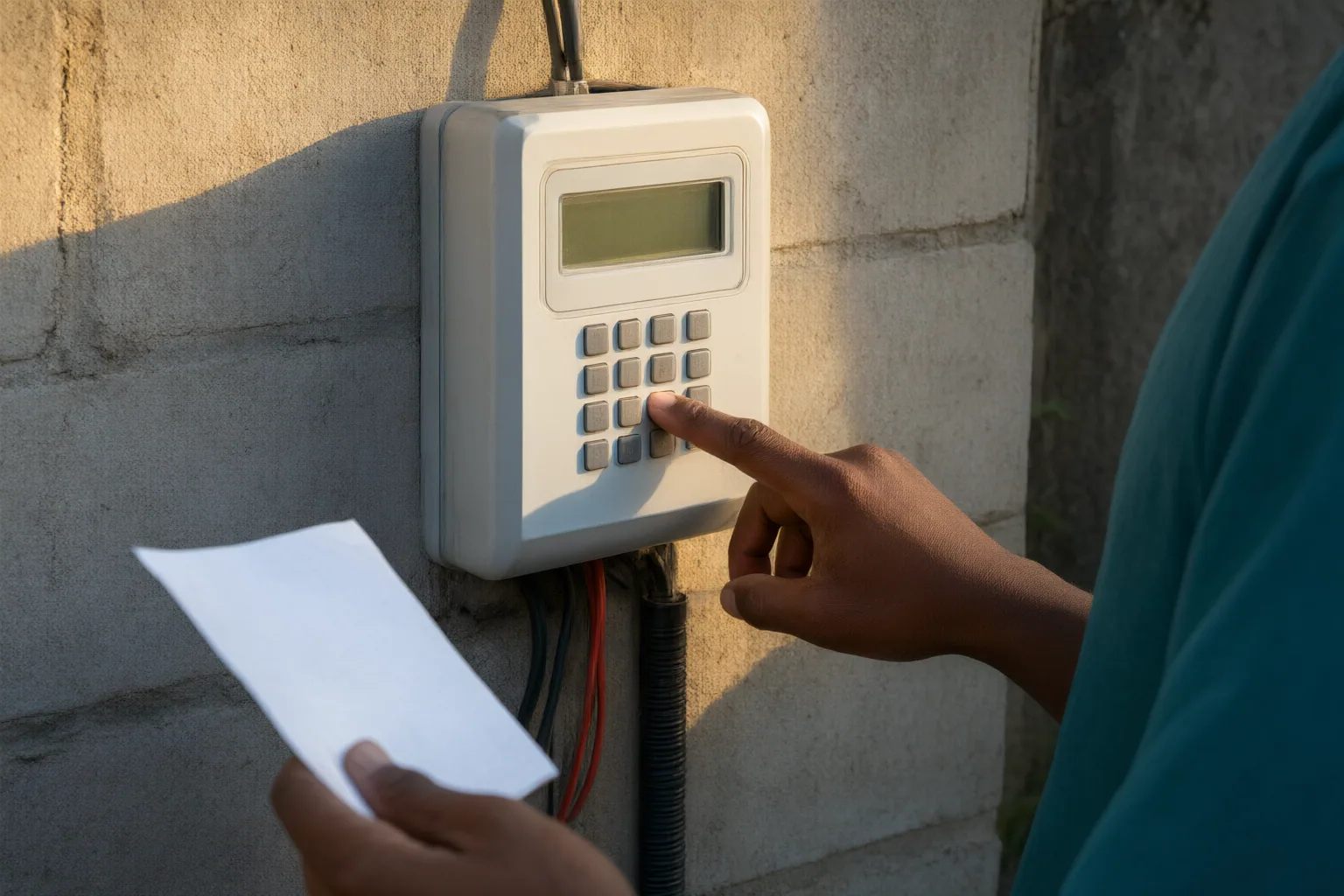
A newly installed meter that refuses tokens may not yet be activated or commissioned. Power.ng advises customers in this situation to contact the relevant distribution company for an activation code. This is different from correcting a mistyped token: activation depends on the meter’s service status.
Also check the connection between the meter and its Customer Interface Unit or keypad. Power.ng says a communication failure can prevent token acceptance. Confirm that the interface has power and inspect its physical connections. If the problem continues, the distribution company should investigate.
Account-related deductions require a separate distinction. Vtyield says that a billing adjustment or debt attached to a meter can reduce the electricity value delivered after a purchase. That situation is not the same as outright token rejection: the purchase may load, but less electricity value may be credited. Check the receipt for the transaction details and take any disputed arrears or adjustments to the distribution company for review.
The practical question is therefore whether the meter rejected the token completely, could not communicate with the keypad, lacked activation, or accepted the purchase with a deduction. Identifying which outcome occurred will help the distribution company examine the appropriate issue.
Conclusion
Use a clear troubleshooting order: verify all 20 digits, match the receipt to the meter number, determine whether KCT update tokens must be entered before the credit token, and then check activation and the meter-to-keypad connection. If electricity loads but the value is lower than expected, review the receipt for an account adjustment or meter-linked debt rather than treating it as a rejected token.
The available sources are informational pages, not official meter-specific instructions. If these checks do not resolve the problem, record the rejection message and contact your distribution company with the meter number, token receipt and details of any recent account or meter update.
Disclosures and limitations
- This article was prepared with AI assistance from the facts supplied in the research package and was not based on personal product use, purchases, testing or interviews.
- The supporting material consists of two independent commercial or informational pages without supplied publication dates, not primary regulator or distribution-company guidance. Confirm meter-specific procedures with your distribution company.
Related reading
- Electricity Consumers in Nigeria
- Meter Display Problem or Power Outage? Checks for Nigerian Electricity Consumers
- What to Document When Voltage Is Unusually High or Low in Your Nigerian Home
Sources
- Prepaid Meter Token Rejected? Complete Error Codes Guide – Power.ng — power.ng
- AzureProvider rejects every token when tenant_id is "organizations", "consumers" or "common" · Issue #5679 · PrefectHQ/fastmcp — GitHub
- How to Fix Prepaid Meter Token Rejections (E16, KCT & More) | Vtyield Blog — Vtyield
- Token::decode rejects every valid session token · Issue #149 · tokio-rs/topcoat — GitHub