
Phishing can arrive through email, text messages, calls, websites or QR codes. Before responding, examine the apparent sender, the destination, the emotional pressure and the action being requested—especially when a message asks for sensitive information or a download.
What Phishing Links and Prompts Are Trying to Make You Do
Phishing is a cyberattack that uses fraudulent communications or websites to persuade people to expose themselves to cybercrime. A message might direct you to a fake website that collects login credentials, credit-card numbers, bank-account details or other personal information. Other attempts may ask you to open an attachment, install malware, call a supplied telephone number or contact an address controlled by the attacker.
The request may initially sound ordinary. It could claim that you need to update a profile, resolve an account problem, review an invoice or respond to suspected fraud. The apparent reasonableness of the story does not establish that the request is genuine.
Phishing is a form of social engineering. Instead of relying only on a technical vulnerability, an attacker may use impersonation, a deceptive narrative and emotional pressure to influence the recipient. The immediate objective is often to make the person act before carefully examining who sent the communication, where its link leads and what information or access the requested action could provide.
Warning Signs in the Sender, Story and Requested Action
Start with the claimed sender. Fraudulent communications may appear to come from a bank, government agency, colleague, authority figure, customer-support team or familiar brand. Attackers can copy genuine branding, logos and message styles, and they may spoof sender information. A polished appearance is therefore not proof of authenticity.
Next, assess the story. Be cautious when an unexpected communication presents a problem that supposedly requires immediate attention. Phishing messages commonly exploit urgency or strong emotions such as fear, greed and curiosity. Pressure can discourage the recipient from slowing down long enough to question the sender or destination.
Then examine the requested action. Treat a link, attachment, software-installation prompt, supplied telephone number or reply address as part of the claim that needs assessment. A link may lead to a fake website built to collect sensitive data, while an attachment or installation request may be intended to deliver malware. A request to call or write to contact details within the same suspicious message can also direct you toward an attacker-controlled channel.
Targeted phishing deserves particular care. Spear-phishing messages can incorporate personal or organizational details and may use multiple communication channels, making the approach appear more credible. Familiar details can strengthen a deceptive story, but they do not by themselves prove who is communicating. Consider the sender, narrative, pressure and requested action together rather than relying on a logo, familiar name or single convincing detail.

How Phishing Changes Across Email, Texts, Calls and QR Codes
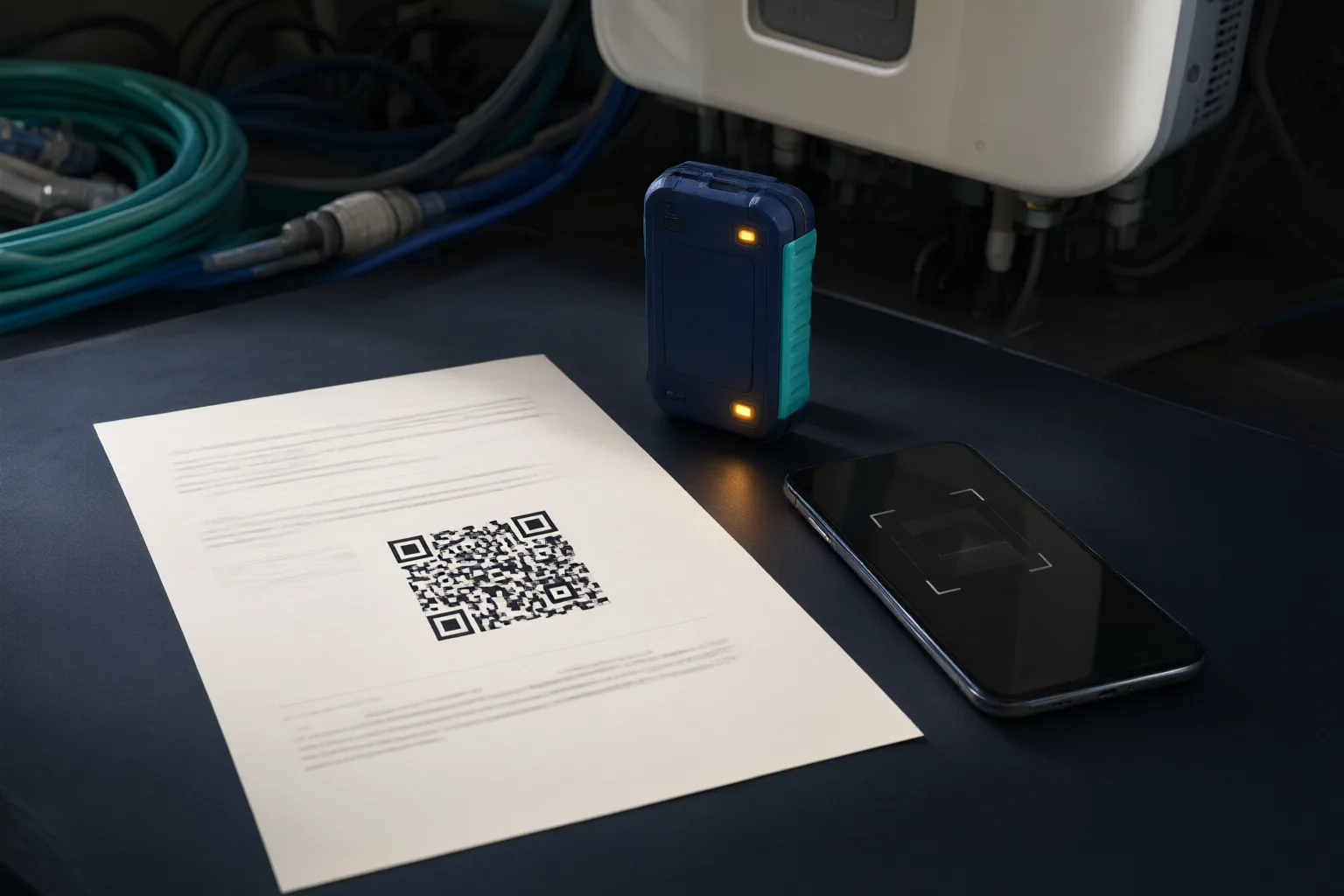
The delivery channel changes the appearance of phishing, but the underlying aim remains similar: persuade the recipient to disclose information or take another harmful action. Bulk email phishing distributes fraudulent messages widely. Spear phishing targets particular people or organizations with more tailored details. Voice phishing uses telephone calls, while SMS phishing uses text messages. QR-code phishing presents a code that can direct the person scanning it toward a fraudulent destination.
Each channel can reduce the cues available for judging the request. A caller may use an authoritative story without presenting a link for inspection. A text message has little space and may push a short, urgent instruction. A QR code conceals its destination until it is scanned. On mobile devices, browsers may display only a limited part of a URL, making an illegitimate destination harder to identify.
Do not let movement between channels substitute for verification. A message may begin in one place and instruct you to continue through a website, telephone number or email address selected by the sender. Likewise, a targeted attempt may combine channels or include contextual details that make the request feel familiar. At every transition, reassess who appears to be contacting you, what destination is being presented and what the next step would cause you to reveal, open or install.
Conclusion
Before acting on an unexpected message, perform a short four-part check. Identify the apparent sender and remember that names, branding and sender details can be imitated. Examine the visible destination while recognizing that mobile displays may show only part of a URL. Notice urgency or emotional pressure that encourages a rapid response. Finally, define the requested action: sharing credentials or financial details, opening an attachment, installing software, following a link, calling a supplied number or contacting a provided address.
No single familiar element proves that a communication is genuine. A plausible account story, recognizable logo or relevant organizational detail can form part of an impersonation attempt. Pause before acting on an unexpected request, and assess the claimed sender, visible destination, emotional pressure and requested action before sharing sensitive information, opening an attachment or downloading anything.
Disclosures and limitations
- This article was prepared with AI assistance using only the supplied research package and was not based on personal product use, testing or interviews.
- The guidance is based on the two cited general sources and does not provide Nigeria-specific incident statistics, prevalence estimates or regulatory advice; consequential claims should be checked against primary or official cybersecurity guidance before publication.
Related reading
Sources
- Nigeria – Wikipedia — en.wikipedia.org
- What is Phishing? | IBM — ibm.com
- Phishing – Wikipedia — en.wikipedia.org
- Nigeria — Wikipédia — fr.wikipedia.org
- Nigeria – Wikipedia, la enciclopedia libre — es.wikipedia.org