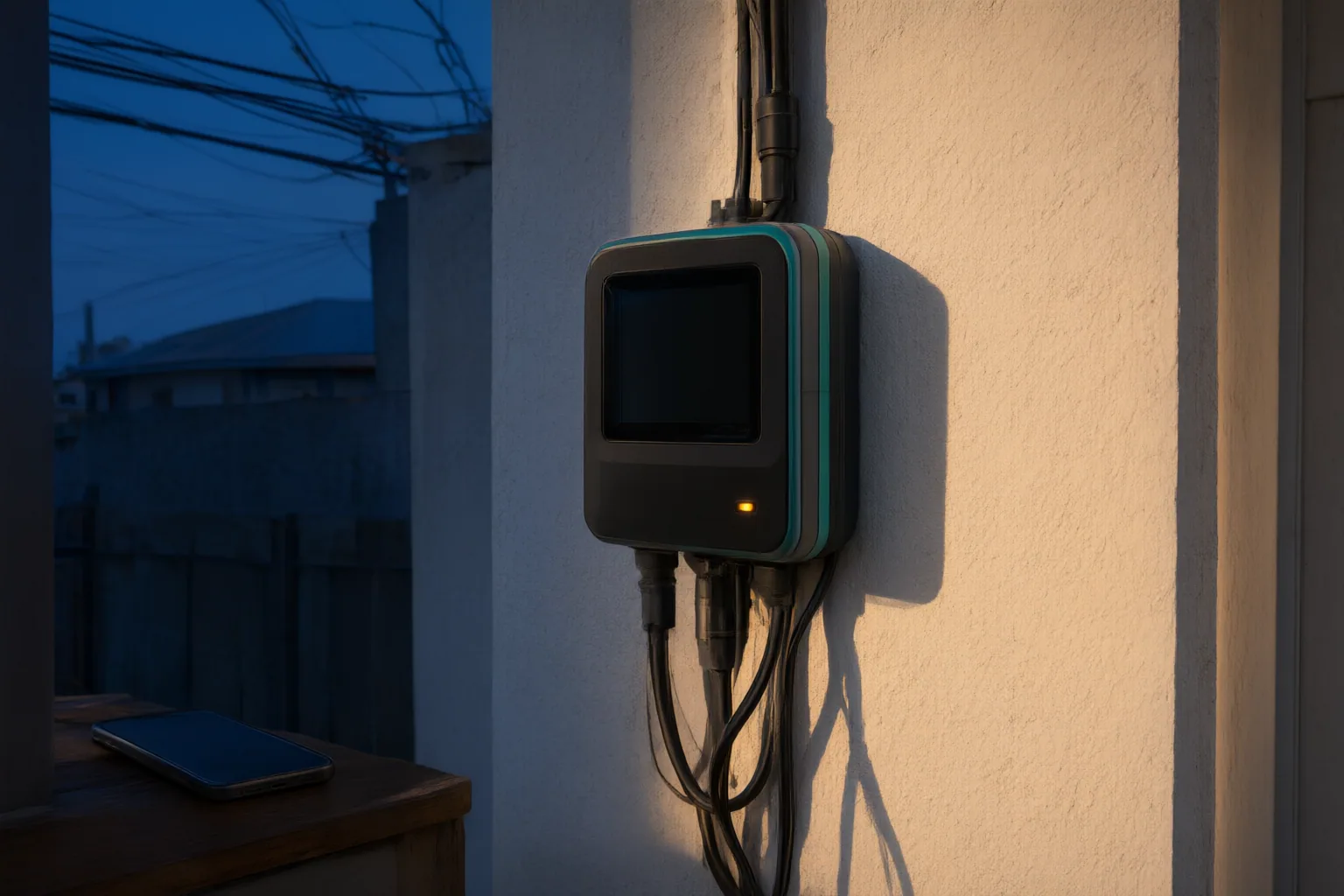
Pause before enabling remote access for anyone claiming to represent an electricity distribution company. Remote-control tools may expose applications, files, screens and device controls, but the use of legitimate support software does not establish that a particular requester is genuine.
Why a Remote Access Request Deserves a Pause
An unexpected remote access request deserves careful assessment because the requested connection may provide much more than a view of a single electricity-related message or account page. Microsoft describes Remote Desktop as allowing someone to connect to a Windows PC and access its applications, files and desktop as though physically present. PCMag similarly describes remote-access software as capable of providing access to everything on a computer and enabling control of another person’s machine.
Some products also offer screen sharing, file transfer, remote printing, and mouse and keyboard control. The exact permissions depend on the software and its configuration, but these documented capabilities make it important to understand what will become accessible before enabling a connection.
These capabilities do not prove that a request is fraudulent. They explain why consumers should pause when a supposed DisCo representative unexpectedly asks for remote control. The supplied sources do not establish the remote-access policies of any Nigerian distribution company, so the request should not be judged as genuine or illegitimate solely from these materials.
What Remote Access Can Let Another Person Do
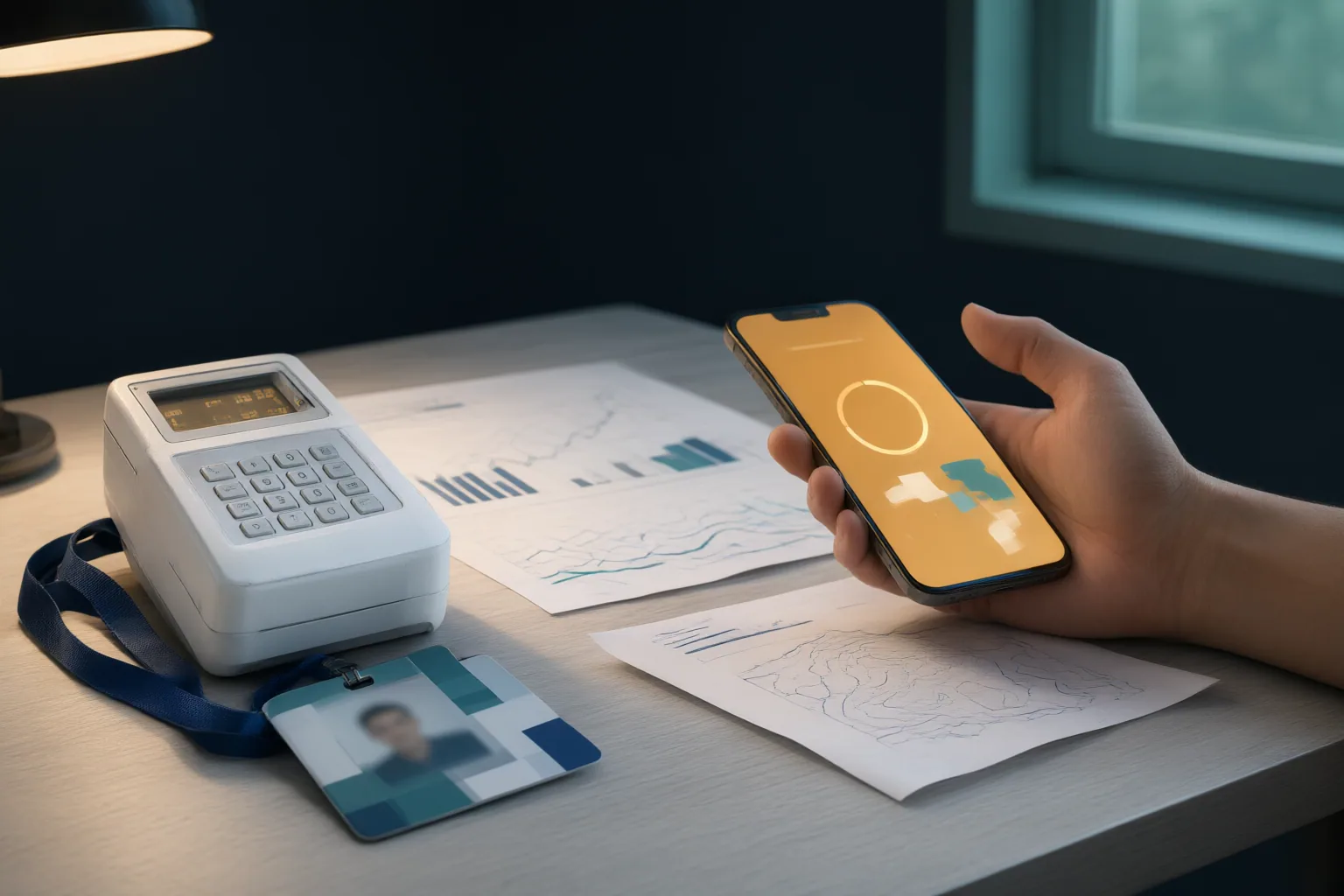
Remote access can reproduce important parts of being physically present at a computer or device. Depending on the product and permissions, a connected person may be able to see the desktop, open applications, reach files, share the screen, transfer files, or operate the mouse and keyboard. GoToMyPC, for example, advertises access to the host computer’s files, applications and network, as well as remote input from mobile devices.
Remote-access products do not all provide identical functions. Their capabilities may differ by platform, configuration and the access that the device owner grants. AnyViewer describes the technology more generally as a way to access and control a device from another location, with uses that include file management, technical support and unattended access.
Before accepting a request, a consumer should identify the particular functions being requested rather than treating “remote support” as a narrow or uniform permission. A connection that includes input control or file-transfer functions presents a different scope of access from simple screen viewing. The available evidence supports examining those capabilities, but it does not establish what any DisCo requires or authorises.
Why the Software Alone Does Not Prove the Request Is Genuine
Remote-control technology has legitimate business and support applications. RemotePC markets it for personal users, work devices, IT teams, organisations and help desks. AnyViewer describes uses including remote work, technical support, unattended access and file management. These examples show that the technology itself is not inherently evidence of misconduct.
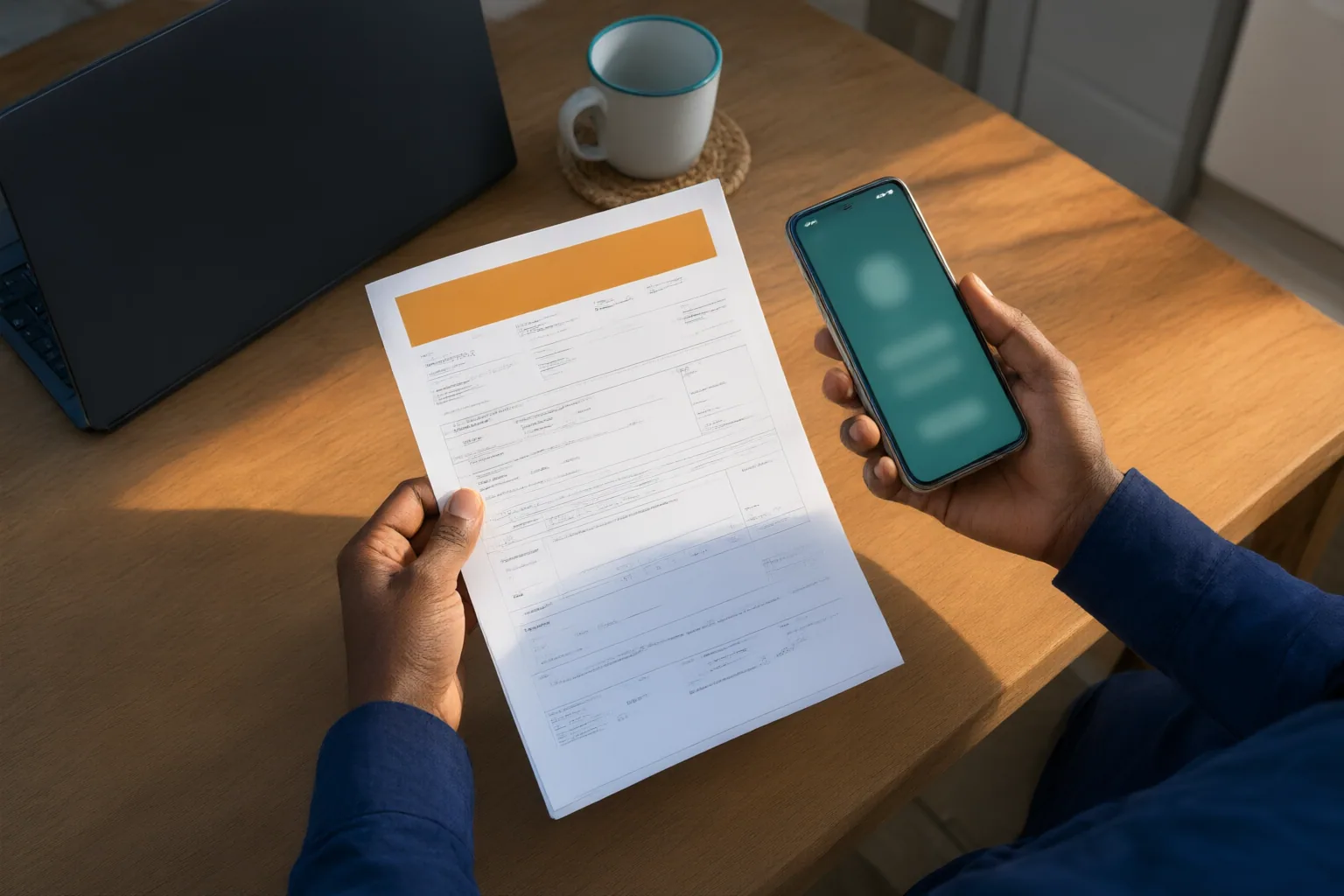
At the same time, legitimate uses do not authenticate the person making a particular request. A familiar product name, professional-looking interface or plausible support purpose establishes what the software can do—not whether the requester represents the organisation they claim to represent or has authority to access a consumer’s device.
Consumers should therefore separate two questions: whether the software is a real remote-access product, and whether this specific requester is genuine and authorised. The first answer cannot settle the second. The supplied research contains no Nigerian DisCo policy, regulator guidance or documented incident that would support claims about when a DisCo representative may request remote access. It also provides no authoritative basis for instructions about OTPs or PINs, so no such policy is asserted here.
Conclusion
Remote access may expose a device’s desktop, applications and files and, in some configurations, enable screen sharing, file transfer, or mouse and keyboard control. Those are substantial capabilities that should be understood before permission is granted.
Remote-support tools also serve legitimate purposes, including remote work, IT administration and help-desk support. Their legitimate availability, however, does not verify the identity or authority of someone claiming to represent a DisCo.
If you receive an unexpected request, pause before enabling remote control. Identify the exact capabilities and permissions involved, then independently verify the requester through an official channel that you locate yourself. Do not proceed unless you understand and accept the access the tool would provide.
Disclosures and limitations
- This article was prepared with AI assistance and is based only on the cited descriptions of remote-access technology.
- The cited materials do not establish Nigerian DisCo policies or authoritative guidance concerning OTPs, PINs or incident response. No products are recommended in this article.
Related reading
- Digital Safety Guides for Risky Links and Online Claims
- How to Verify an Outage or Reconnection Message Before You Act
- How Nigerian Electricity Consumers Can Verify a DisCo Payment Portal Before Entering Card or Meter Details
Sources
- How to use Remote Desktop | Microsoft Support — support.microsoft.com
- The Best Remote Access Software We've Tested for 2026 — PCMAG
- Remote Desktop Software & Secure Remote Access | RemotePC™ — remotepc.com
- Remote Desktop Software & Remote Computer Access – GoToMyPC — GoToMyPC
- 18 Best Remote Access Software Free for 2026 — anyviewer.com