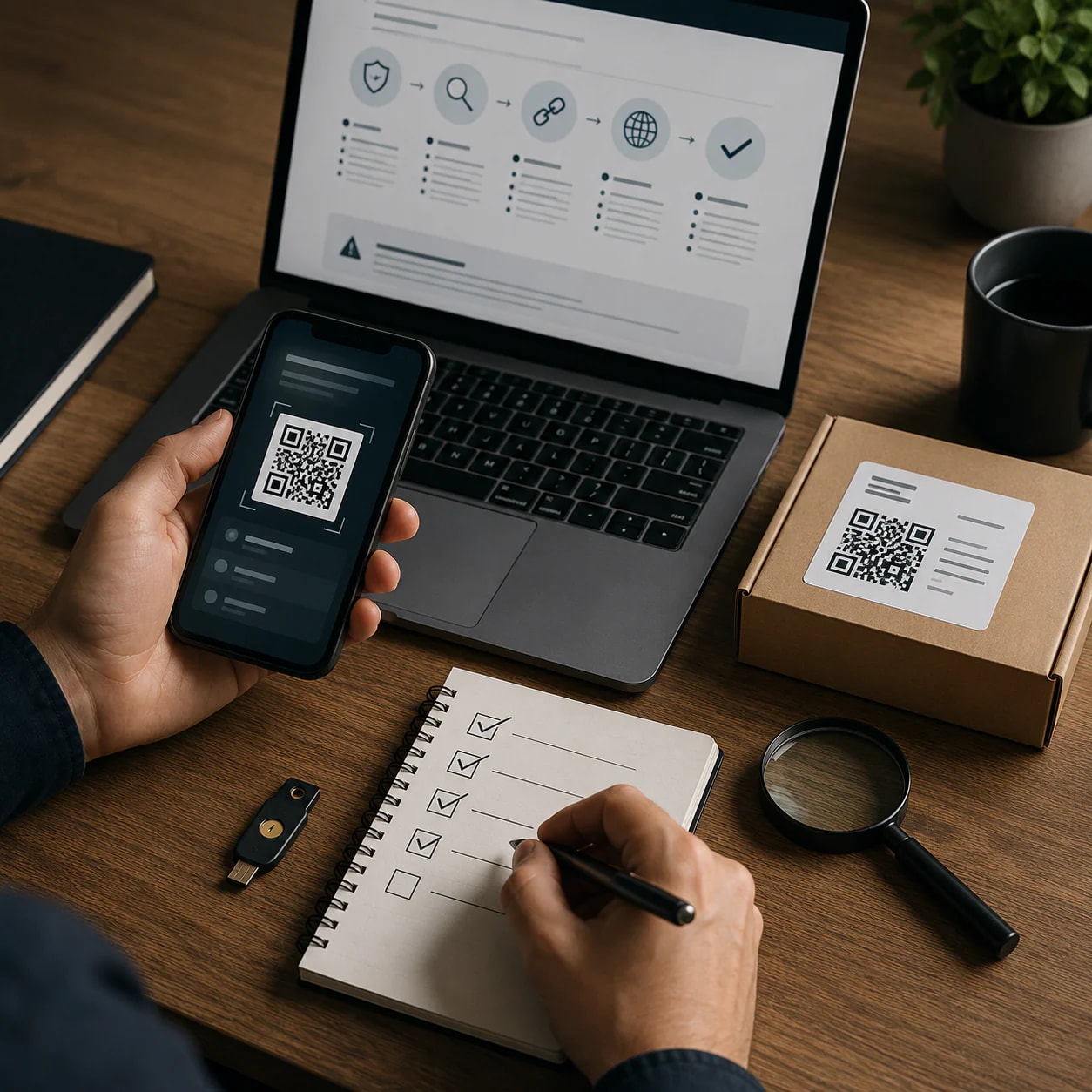
Encoded characters are a normal part of many URLs, but encoding and other forms of obfuscation can make a risky destination harder to recognize. This checklist explains what readers can verify before clicking or entering credentials.
What an encoded link is—and why encoding is not automatically malicious
Percent encoding is a normal mechanism used in URLs. It can escape non-alphanumeric characters inside parameter values; for example, `%20` can represent a space in a multiword query parameter.
That means the mere presence of percent signs, encoded characters or a long parameter string does not prove that a link is malicious. A legitimate service may use percent encoding while passing information through a URL. Conversely, recognizing valid encoding does not establish that the destination is trustworthy.
Treat encoding as something to interpret in context, not as a verdict. The more useful questions are whether the message was expected, whether the sender’s full address is credible, what URL is actually attached to the link and whether a sensitive request can be handled through the organization’s official website instead.
Why encoded or obscured links deserve closer inspection
Although encoding can be legitimate, it can also make a long URL difficult to read quickly. A reader may struggle to distinguish the destination from the parameters or understand what information the link is carrying. This is a reason to pause and inspect the link—not a reason to assume that every encoded URL is harmful.
Exeon describes a phishing scenario in which attackers use Base64 or hexadecimal encoding to obscure a URL in an email. According to that account, the link can lead to an imitation login page and may be combined with an intermediary proxy intended to capture a session token. This is a source-described attack scenario, not proof that all similarly formatted links use the same technique.
The practical lesson is that neither a link’s visible label nor an encoded string should be accepted at face value. The actual address, sender context and nature of the request must be considered together. Extra caution is warranted when an unexpected link asks for a login, password reset or another action involving account access.
Checklist step 1: Verify the sender and the context
Start with the message rather than the link. Expand the sender information so you can see the full address, rather than relying only on a familiar display name. Then ask whether the message and requested action fit something you initiated.
Unexpected password-reset messages require particular care. The compiled security guidance in the cited LinkedIn page recommends avoiding the supplied link when you did not request the reset. Instead, open the organization’s official website independently and check the account from there.
This contextual check does not certify a message as safe, but it can expose inconsistencies before you interact with the URL. An unexpected request, an unfamiliar full sender address or pressure to follow a login link should prompt independent verification through a route you already recognize.
Checklist step 2: Inspect the real URL before opening it
Reveal the URL attached to the link before opening it. The cited guidance recommends hovering over a link on devices that support hovering or using a long press where that action displays the destination. Do not assume that the visible link text and the actual destination are identical.
Pay close attention to the domain shown in the revealed address. Lookalike domains may differ from an expected name by only a small character substitution, making the discrepancy easy to miss during a quick review. Mobile displays can add difficulty because the complete address may not always be visible.
Take enough time to examine what the device actually reveals. If the address is truncated, confusing or inconsistent with the organization named in the message, do not treat the link as verified. Use the organization’s known official website instead of resolving the uncertainty by opening the supplied URL.
Checklist step 3: Evaluate the destination and login request
A familiar-looking login screen is not sufficient evidence that a destination is legitimate. Exeon’s account describes phishing pages that imitate recognizable login services after a victim follows an obscured link.
The same source describes an intermediary phishing technique that may target session tokens as well as credentials. In that scenario, enabling multi-factor authentication does not by itself make the linked page trustworthy, because the attacker’s stated objective includes capturing an authenticated session token.
These claims should be understood as a vendor article’s description of an attack method rather than an independently established conclusion about any particular link. For the reader, the supported precaution is straightforward: an unexpected destination requesting credentials deserves scrutiny regardless of how polished or familiar its interface appears. Leave the supplied route and reach the service independently when the request cannot be verified.
Checklist step 4: Use a trusted route instead of the supplied link
When a message requests a sensitive or unexpected action, avoid making the link itself your only route to verification. Open the organization’s known official website independently, especially when dealing with a password-reset notice you did not initiate.
This separates the account check from the sender’s supplied destination. It also avoids relying on a visible label, shortened display or lookalike address to decide where to enter account information.
If the message is genuine, the relevant account information or action may be checked through the official route. If you cannot independently verify the request, pause rather than entering credentials through the link.
What the checklist can and cannot establish
This checklist supports a risk assessment, not an automatic classification. Percent encoding is part of normal URL handling, so encoded characters alone cannot establish malicious intent. Likewise, an address that looks ordinary is not proven safe merely because it lacks obvious encoding.
Sender details, the revealed URL, small domain differences, message context and an unexpected login request are useful signals when considered together. None is conclusive in isolation. Mobile truncation and long encoded parameters can also limit what a quick visual review reveals.
The cited discussion of Base64 or hexadecimal obfuscation, imitation login pages and session-token interception comes from a vendor article and should remain attributed to that source. The sender and URL inspection advice comes from compiled LinkedIn material. These sources provide practical guidance, but their evidentiary limits mean they should not be used to declare a particular link malicious without additional verification.
Reporting suspicious activity: understand the available channel’s limits
The cited CISA suspicious-activity reporting tool is not presented as a universal reporting channel for every consumer. CISA describes it as serving critical-infrastructure partners and relevant members of the private sector.
CISA also states that the tool does not replace reporting criminal activity to local or federal law-enforcement authorities. Readers therefore should not infer from this source that every suspicious link belongs in that specific CISA channel.
Before submitting a report, establish whether the available channel applies to your role and situation. If suspected criminal activity is involved, remember the limitation stated by CISA: its tool is not a substitute for the relevant law-enforcement reporting process.
Quick pre-click decision checklist
Before opening an unexpected or difficult-to-read link:
1. Expand the sender details and examine the full address. 2. Ask whether you initiated or expected the message, especially a password reset. 3. Hover over or long-press the link, where supported, to reveal the actual URL. 4. Examine the revealed domain for small character substitutions or other differences. 5. Account for the possibility that a mobile display is not showing the complete address. 6. Do not assume encoded characters prove danger; percent encoding can be legitimate. 7. Do not treat a familiar-looking login page as proof that the destination is authentic. 8. When uncertain, leave the supplied link and independently open the organization’s official website.
The central decision is not whether the URL merely looks unusual. It is whether the sender, destination and request can be independently verified before you disclose credentials or take an account-related action.
Disclosures and limitations
– This article was prepared with AI assistance using only the supplied research package and approved content plan. – Material claims are derived from the cited source IDs. Some source material comes from a vendor article and compiled LinkedIn content, several sources lack publication dates, and the described attack scenarios have not been independently verified here. – No products are recommended in this article, and the supplied research package contains no product or affiliate information.
Sources
– Suspicious Activity Reporting Tool | CISA — Cybersecurity and Infrastructure Security Agency CISA – Percent encoding — Search – Whitepapers – www.technicalinfo.net — technicalinfo.net – Data Security Technologies — GuidePoint Security – 1Password | LinkedIn — linkedin.com – URL Encoder Spell Mistakes: Fix Percent-Encoding Errors — Guide Net Worth – Introduction to Data Highlighter – YouTube — youtube.com – Phishing Despite Active MFA – Exeon Analytics — Exeon – Phishing Detection Techniques — linkedin.com – Email security threats from image-based malware — linkedin.com